
If logging in for the first time you will be prompted to scan a QR code for 2 Factor Authentication. This is a mandatory security measure that cannot be removed.
On your mobile phone you need to install the Google Authenticator app.
Apple Store
Google Play
-Dec-03-2025-07-36-11-5592-AM.jpeg?width=150&height=150&name=rtaImage%20(1)-Dec-03-2025-07-36-11-5592-AM.jpeg)
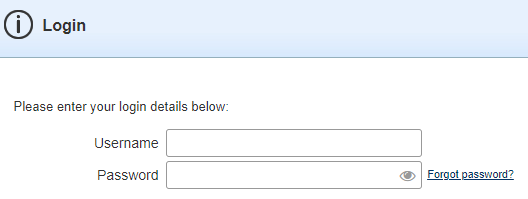
Open the MMS and log in with your user credentials
Open the Google Authenticator App on your device and select ‘+’ in the bottom-right hand corner of the screen. Select ‘Scan QR Code' and point your mobile device at the PC Screen to scan the QR Code from the MMS.
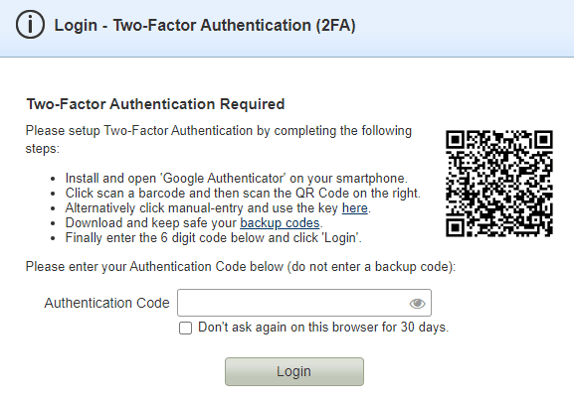
Your smartphone will now generate a six-digit number which you will need to enter into the ‘Authentication Code’ field on the MMS, along with your current MMS Password. Ensure you download and safely store your backup codes.